← All guidesPsst!
Ask Kerpow
Ask anything. It answers from your real numbers, and it can do the work.
Where: The Ask Kerpow button, bottom right
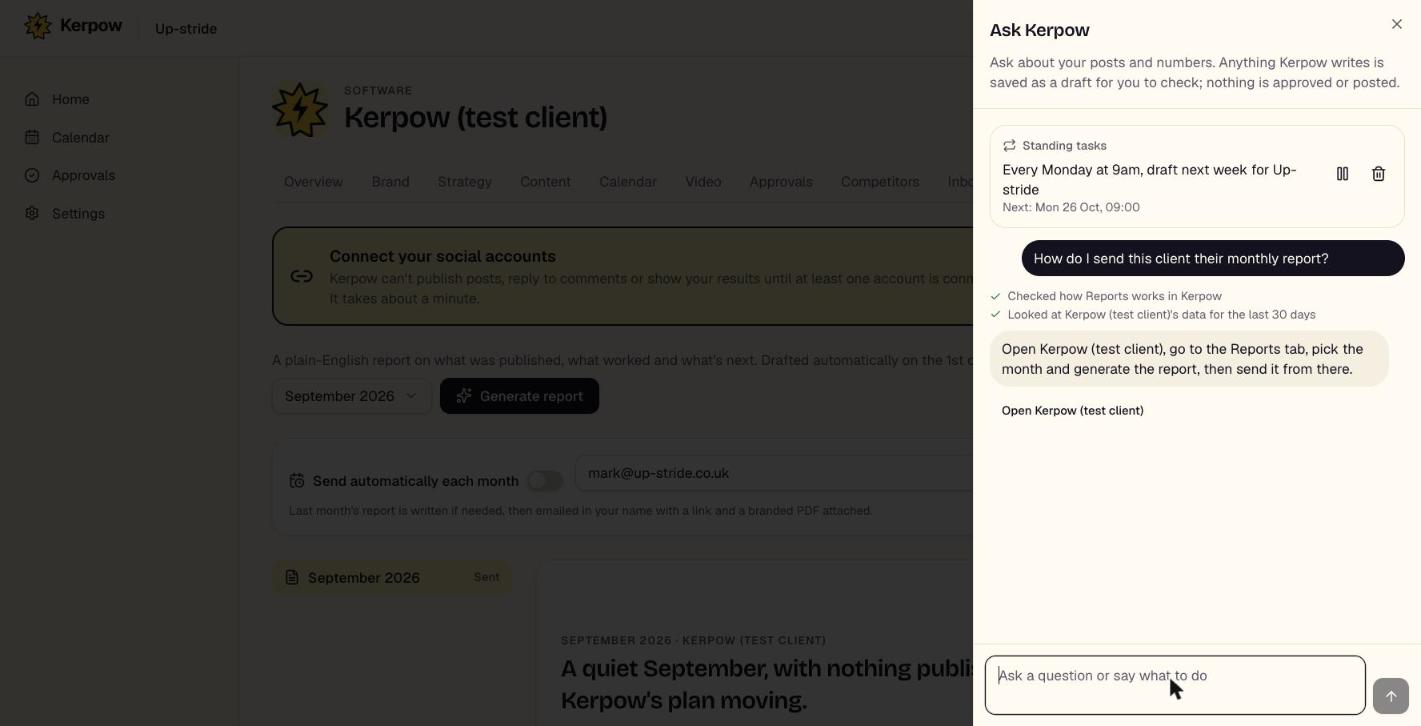
Ask about your posts and numbers in plain English, or tell it what to do. It answers from your real data and offers one-click actions that write drafts.
How to use it
- 1Press Ask Kerpow and type a question, or tap a suggestion.
- 2If it asks back, tap one of the options.
- 3Press an action button (for example Fill next week) to write drafts.
- 4Say "every Monday, draft next week" to set up a standing task; pause or stop it from the same panel.
What's on this screen
What I checked
The data it looked at to answer.
Action buttons
Write drafts only. Nothing is approved, scheduled or sent.
Standing tasks
Weekly jobs it runs for you, listed at the top of the panel.
Kerpow!
Ready to make some noise?
Give Kerpow your website and get a brand kit, a plan and your first week of posts in minutes. 3 months free for our first 20 beta testers.