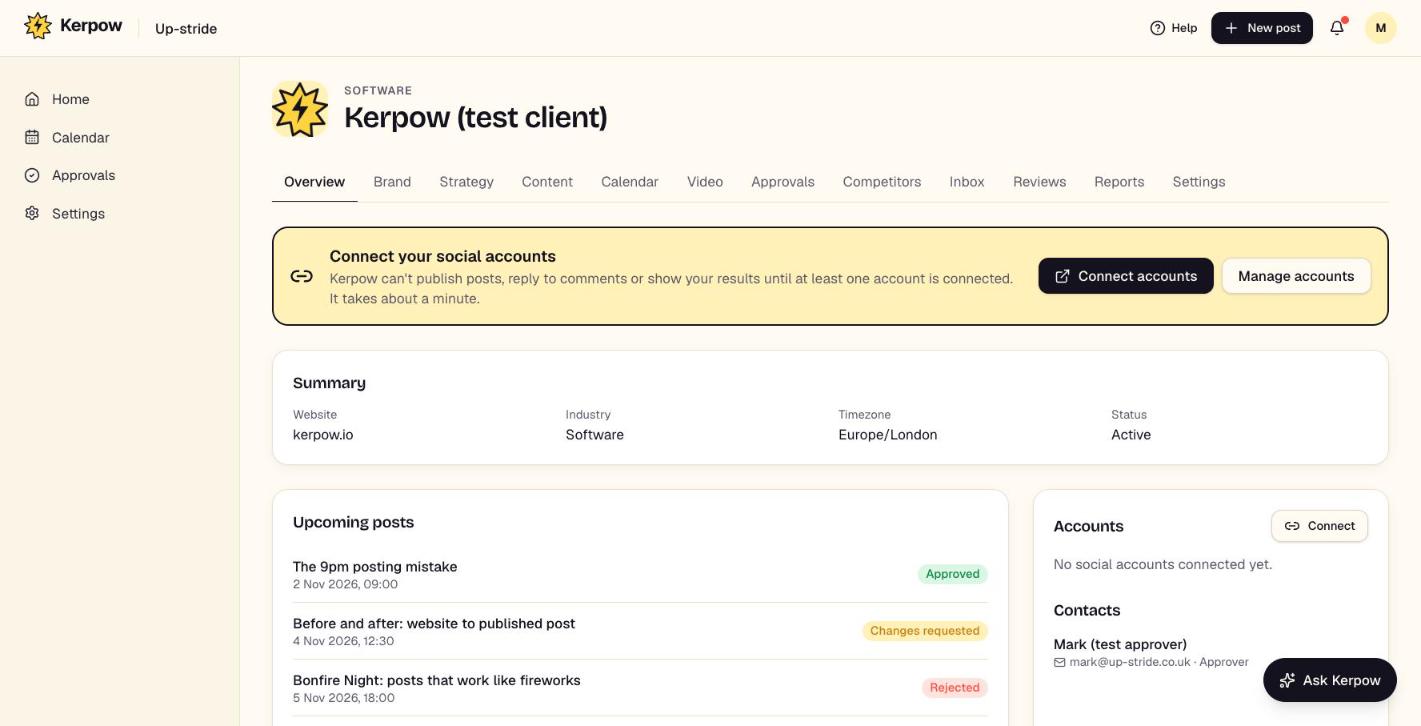
A quick summary of one client: details, the next posts, connected accounts and contacts.
How to use it
- 1Check the upcoming posts and their status.
- 2Connect accounts from here if any are missing.
What's on this screen
Summary
Website, industry, timezone and status.
Upcoming posts
The next posts with their date and approval status.
Accounts
Which social accounts are connected, and which page or location.
Contacts
Who approves this client's posts.
Kerpow!
Ready to make some noise?
Give Kerpow your website and get a brand kit, a plan and your first week of posts in minutes. 3 months free for our first 20 beta testers.