Your starting point: every client (or your business) at a glance, and anything that needs you right now.
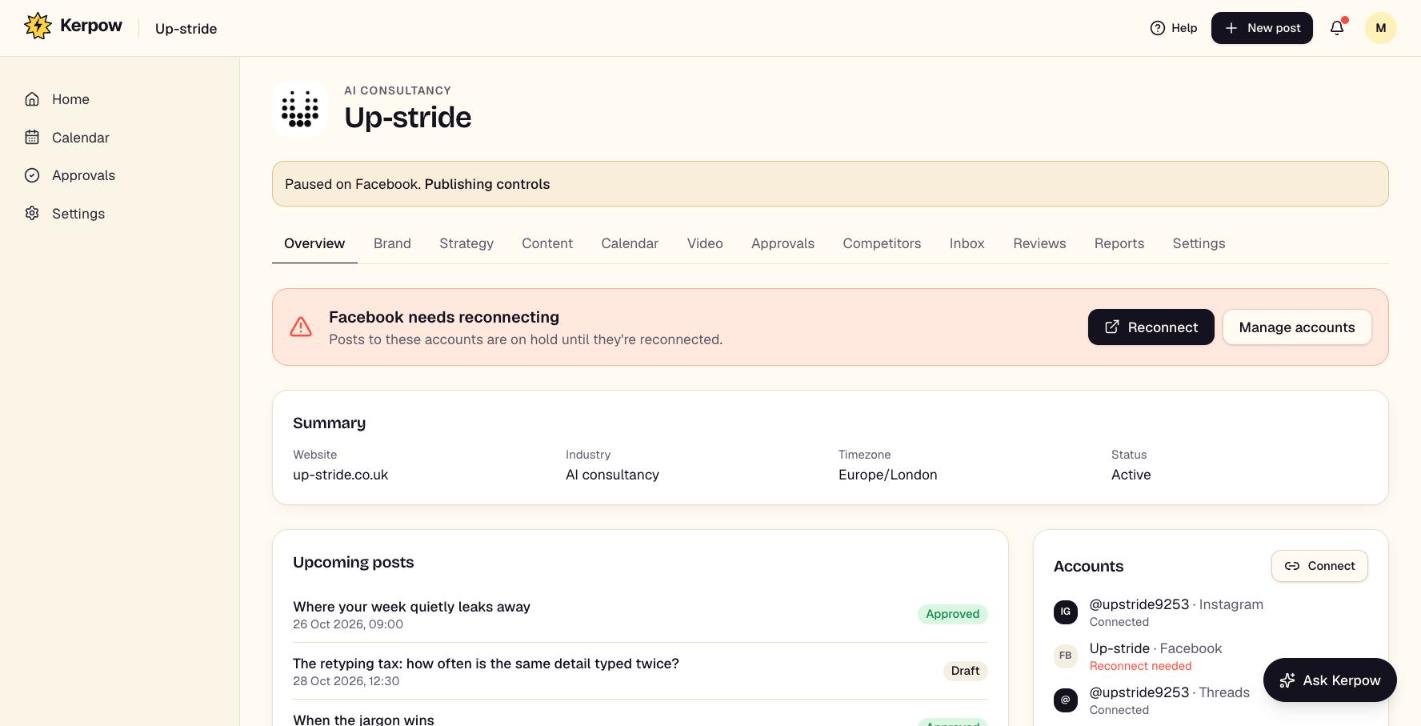
How to use it
- 1Click a client card to open it.
- 2Check Needs attention for overdue approvals, accounts to reconnect and failed posts.
- 3Use Add client to set up a new brand.
What's on this screen
Client cards
Each brand, with what's planned and waiting.
Needs attention
Overdue approvals, accounts to reconnect and posts that failed to publish.
Create (top bar)
Start a new post, client or video from anywhere.
Jump to client
Search and open any client.
Kerpow!
Ready to make some noise?
Give Kerpow your website and get a brand kit, a plan and your first week of posts in minutes. 3 months free for our first 20 beta testers.