← All guidesYes!
Reviewing posts (for clients)
Your agency's posts, ready for your thumbs up.
Where: The link in your approval email
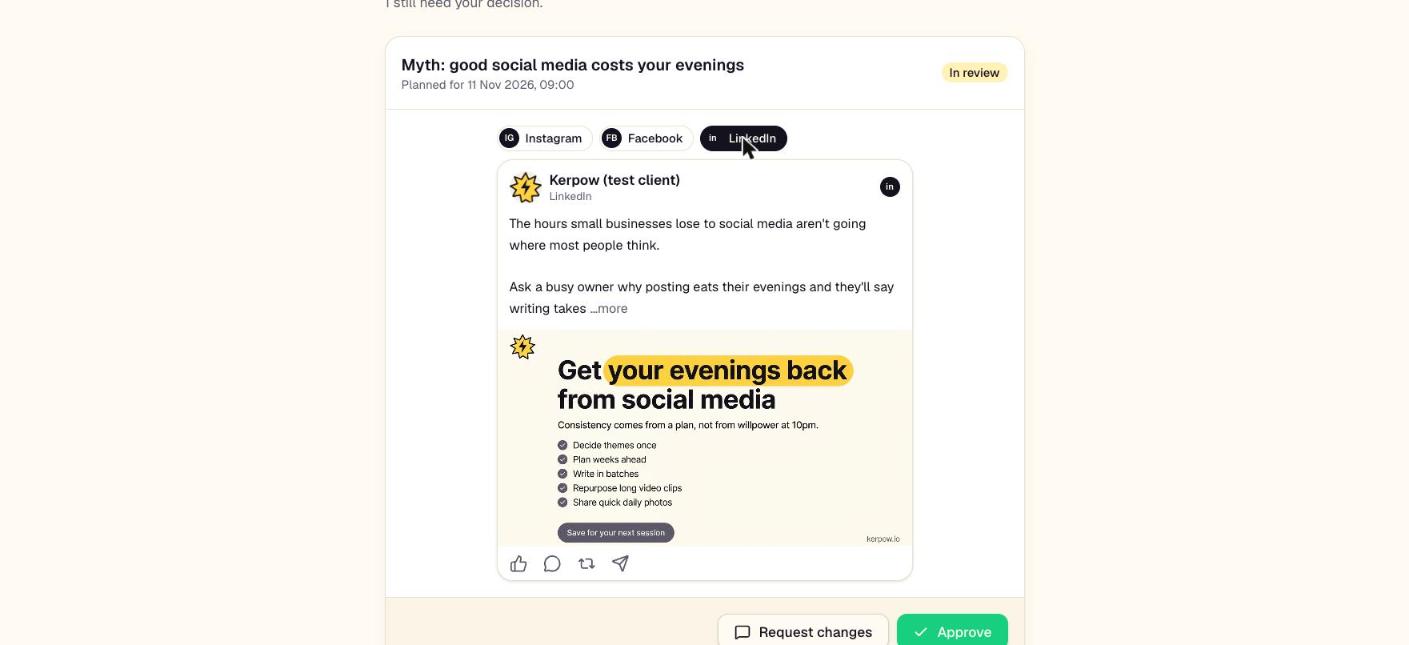
Your agency has sent posts for you to check. Approve them, or say what you'd like changed. No login needed.
How to use it
- 1Open the link from the email.
- 2Read each post. On a phone, press Swipe through them: right to approve, left to ask for a change.
- 3When asking for a change, say what you'd like in a sentence. Your agency gets it straight away.
What's on this screen
Approve
The post goes out at its planned time.
Request changes
Sends your note back to the agency; the post won't go out until it's fixed.
Kerpow!
Ready to make some noise?
Give Kerpow your website and get a brand kit, a plan and your first week of posts in minutes. 3 months free for our first 20 beta testers.