← All guidesBam!
Reports
The monthly report that writes itself, in plain English.
Where: Client → Reports
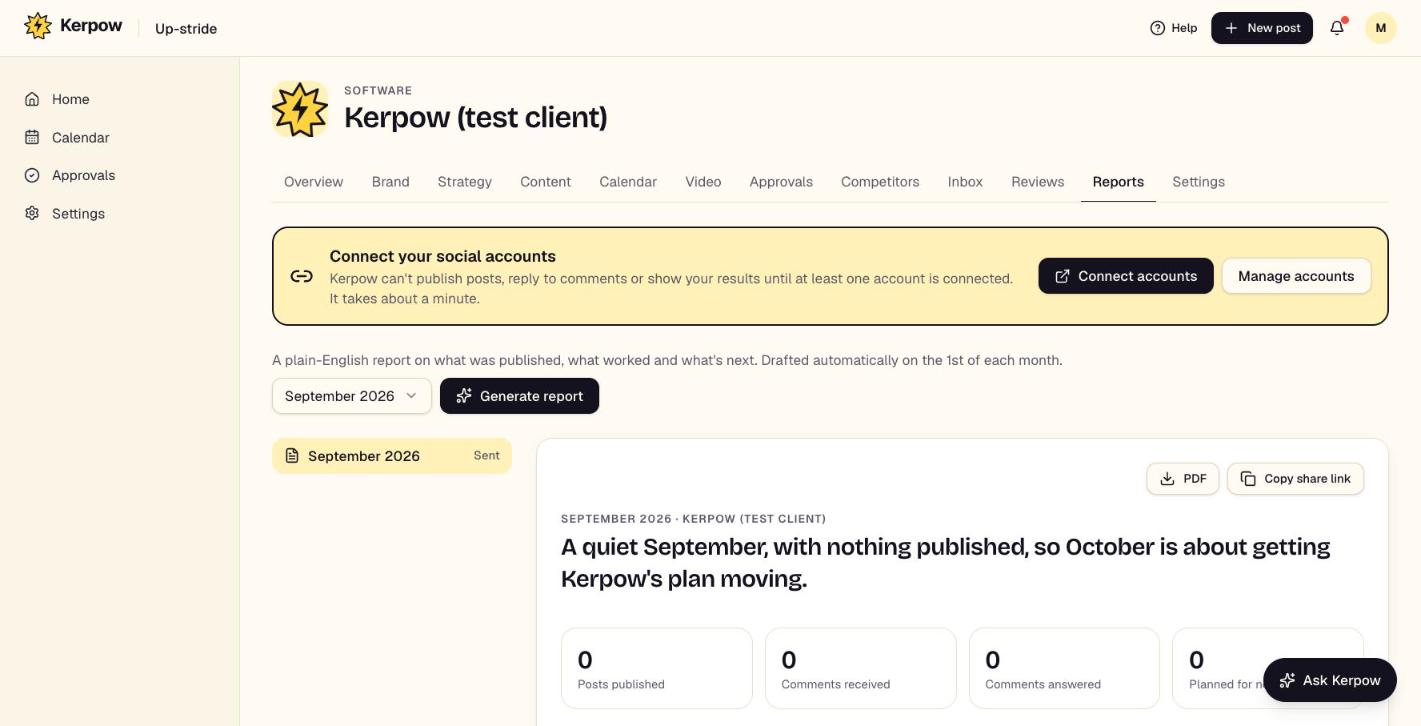
A plain-English monthly report on what was published, what worked and what's next, as a link or PDF, with your branding.
How to use it
- 1Pick the month and press Generate report.
- 2Read it, then press Email to client, Copy share link or PDF.
- 3Switch on Send automatically each month to have it written and emailed for you.
What's on this screen
Headline numbers
Posts published, comments, replies and what's planned.
Highlights, what worked and next steps
Written from the real numbers, never invented.
Send automatically
Emails last month's report on the day you choose.
Kerpow!
Ready to make some noise?
Give Kerpow your website and get a brand kit, a plan and your first week of posts in minutes. 3 months free for our first 20 beta testers.