Your account: branding, team, integrations, billing and content budget.
How to use it
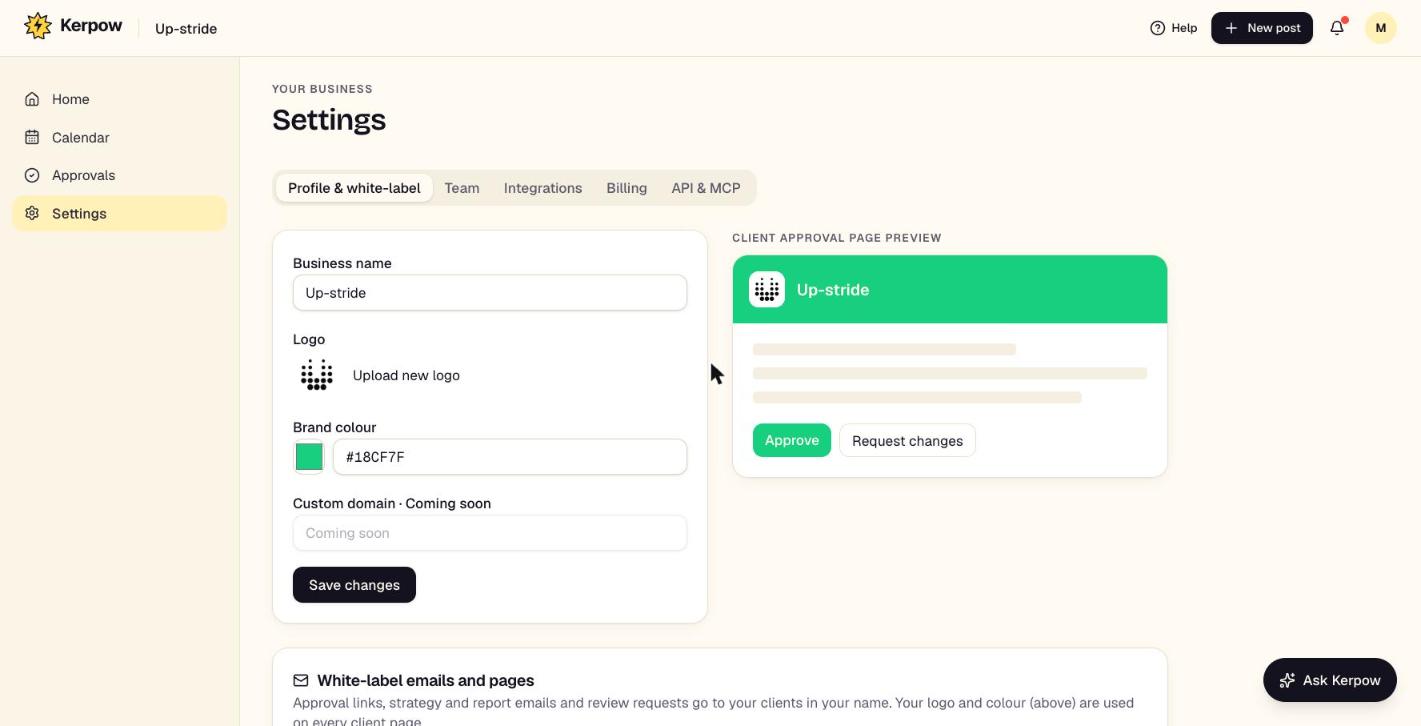
- 1Profile & white-label: name, logo, brand colour, reply-to email, and hiding Kerpow on client pages.
- 2Team: invite people as owner, manager or creator, and copy their invite link.
- 3Billing: your plan and this month's content budget.
What's on this screen
Profile & white-label
How approval pages, reports and emails look to clients.
Team
Owners manage billing; managers schedule and approve; creators make content.
Integrations
Which services are connected.
Billing
Plan, clients used, and the content budget with a breakdown of what it was spent on.
Kerpow!
Ready to make some noise?
Give Kerpow your website and get a brand kit, a plan and your first week of posts in minutes. 3 months free for our first 20 beta testers.