Short videos for Reels, TikTok, Shorts and LinkedIn: fun brand videos with no presenter, talking heads, long videos cut into clips, and owner videos from one photo.
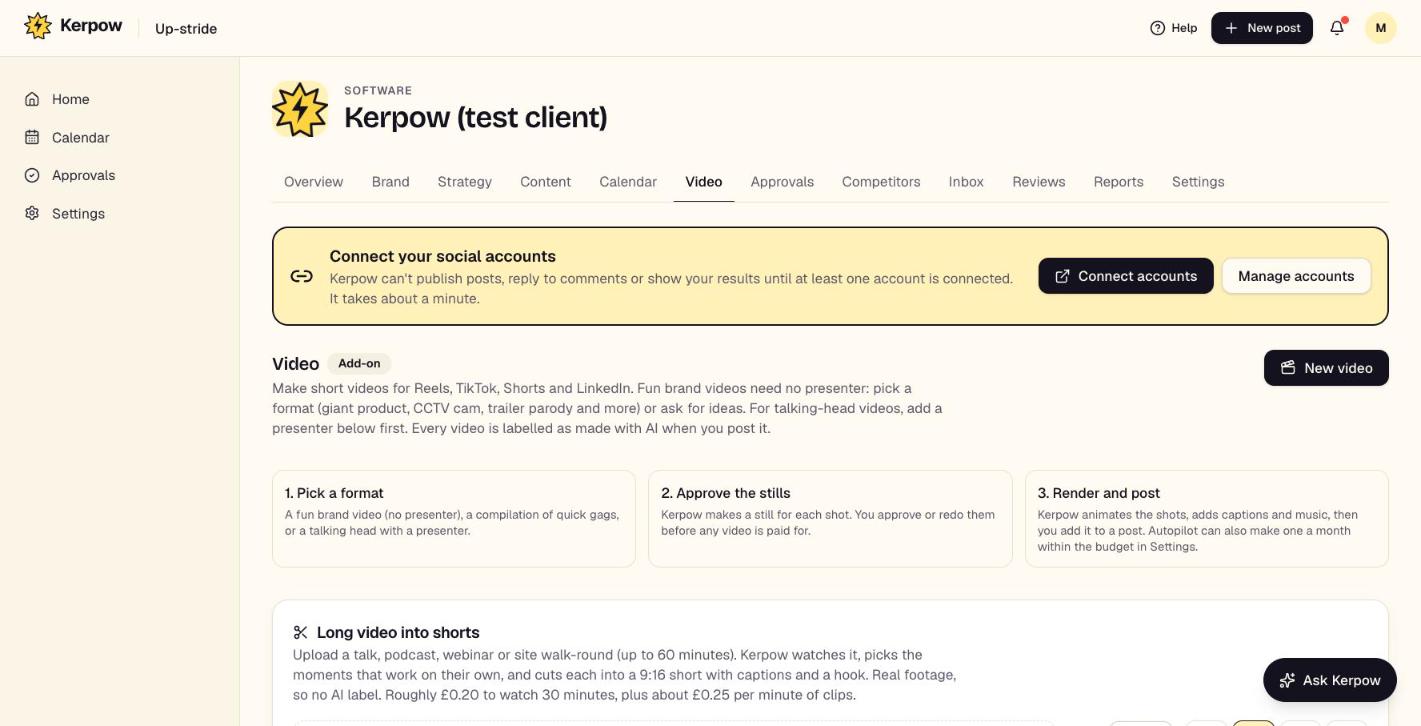
How to use it
- 1Press New video, pick a format, and approve a still for each shot before anything is paid for.
- 2Press Render. The finished video can be added to a post.
- 3For a talk or webinar, upload it under Long video into shorts and press Find the best moments.
- 4For an owner video, add the owner as a presenter (photo and consent) first.
What's on this screen
New video
Fun brand formats, compilations or talking heads.
Long video into shorts
Picks up to five moments from a video and cuts captioned 9:16 clips.
Owner video
The owner talking to camera from one photo, reading a script or their own voice note.
Presenters
Real people (with written consent) or fictional presenters for talking-head videos.
Kerpow!
Ready to make some noise?
Give Kerpow your website and get a brand kit, a plan and your first week of posts in minutes. 3 months free for our first 20 beta testers.